
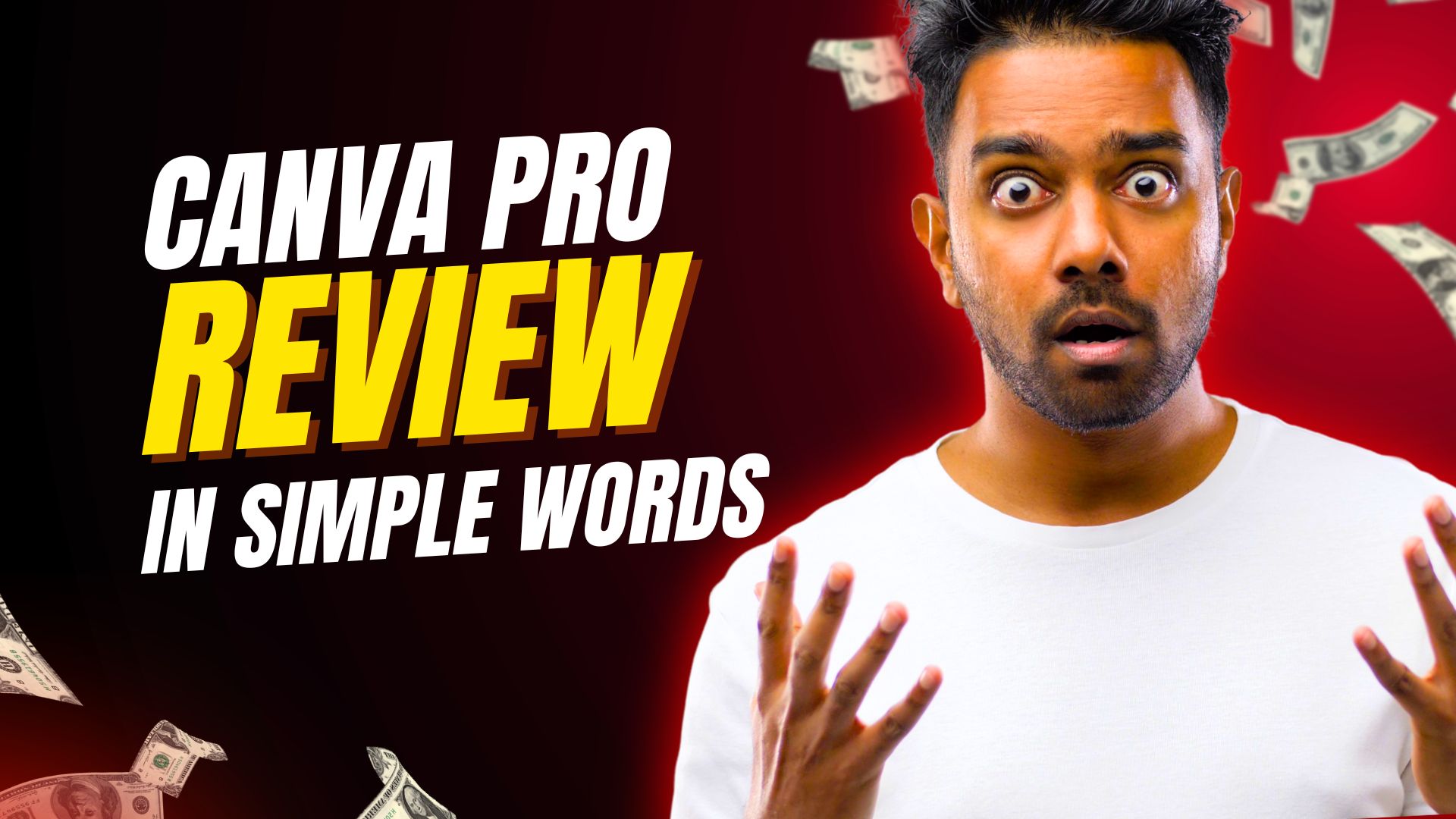

Are you tired of spending hours trying to make your visuals look professional — only to end up frustrated with clunky software or boring templates?
If you’re a content creator, marketer, or small business owner, you know that eye-catching visuals are the difference between getting noticed and getting scrolled past. That’s where Canva Pro comes in — a powerful, easy-to-use design platform that lets anyone create studio-quality graphics, videos, and marketing materials in minutes.
Let’s break down exactly what makes Canva Pro worth it, what you get with your subscription, and whether it’s right for you.
🌟 What Is Canva Pro?
Canva Pro is the premium version of the popular design tool Canva, trusted by over 100 million users worldwide.
While the free plan is great for basic use, Canva Pro unlocks advanced features that turn it into a full creative suite — from brand management tools and premium content to one-click resizing and background removal.
It’s designed for content creators, YouTubers, bloggers, social media managers, and small businesses who want to level up their visuals without hiring a designer or learning complex tools like Photoshop.
✨ Key Features (and Why They Matter)
1. Brand Kit & Brand Controls
Keep your visual identity consistent across every design. Upload your logos, brand colors, and fonts — then apply them instantly. Perfect for creators managing multiple channels or clients.
💡 Benefit: Save hours each week by maintaining a cohesive brand look automatically.
2. Magic Resize
Need to post the same content across Instagram, YouTube, TikTok, and Pinterest? One click resizes your design for each platform — no cropping, no distortion.
💡 Benefit: Repurpose your content easily and multiply your reach with minimal effort.
3. Background Remover
Turn ordinary photos into professional product shots or YouTube thumbnails with a single click.
💡 Benefit: No more outsourcing or paying for separate photo-editing apps.
4. Premium Templates & Stock Library
Gain access to over 100 million photos, videos, and graphics, plus thousands of Pro-only templates designed by professionals.
💡 Benefit: Always have fresh, high-quality visuals for any niche or style.
5. AI-Powered Tools (Magic Studio)
Use Magic Write for AI copywriting, Magic Edit for smart image tweaks, and Magic Expand to enlarge or fill images seamlessly.
💡 Benefit: Create faster and smarter, even if you’re not a designer.
6. Content Planner & Scheduling
Plan and schedule social media posts directly from Canva to Instagram, Facebook, LinkedIn, and more.
💡 Benefit: Manage your entire content workflow in one place.
✅ Pros and ❌ Cons
| Pros | Cons |
|---|---|
| Extremely beginner-friendly | Some advanced features require learning curve |
| Huge library of templates and assets | Offline editing is limited |
| AI-powered tools save tons of time | Collaboration tools can lag with large teams |
| Excellent value for the price | Stock photos may repeat across popular niches |
| Perfect for solopreneurs and content creators | Needs stable internet for best performance |
👥 Who Is Canva Pro Best For?
Canva Pro is ideal for:
-
YouTubers creating thumbnails, banners, and channel art
-
Social media influencers who post daily and need fast visuals
-
Bloggers designing featured images and infographics
-
Freelancers managing multiple brands or clients
-
Small business owners who want professional branding without hiring a designer
If your goal is to create consistent, professional-looking content quickly, Canva Pro pays for itself in time saved and engagement gained.
💬 Canva Pro vs Free Plan
| Feature | Free | Pro |
|---|---|---|
| Templates | Limited | 610,000+ premium templates |
| Stock Photos | Basic selection | 100M+ premium photos/videos |
| Brand Kit | ❌ | ✅ Full access |
| Background Remover | ❌ | ✅ One-click |
| Magic Resize | ❌ | ✅ Unlimited |
| Cloud Storage | 5GB | 1TB |
Verdict: If you’re creating content regularly, the Pro plan is a game changer.
💰 Pricing
As of 2025, Canva Pro costs:
-
$14.99/month (billed monthly) or
-
$119.99/year (save ~20%)
You can also try it free for 30 days, which is perfect for testing all premium features before committing.
🏁 Final Verdict: Is Canva Pro Worth It?
Absolutely — especially for content creators who value speed, quality, and brand consistency.
With its AI-powered tools, premium assets, and time-saving automation, Canva Pro gives you the power to create scroll-stopping visuals without needing design experience. It’s not just a tool — it’s your creative partner.
👉 Ready to create stunning visuals with ease?
Try Canva Pro Free for 30 Days and see how much faster you can grow your brand.






0 Comments